Beta: Cartoon Maker
Cartoon Maker: a cartoon video maker for kids stories, with your own characters
Turn a one-line idea into cartoon scenes with your own characters. Create a character once, keep the same look in every scene, and write in Hindi, Hinglish or English.
Sign in to start. The price shows before you make anything.
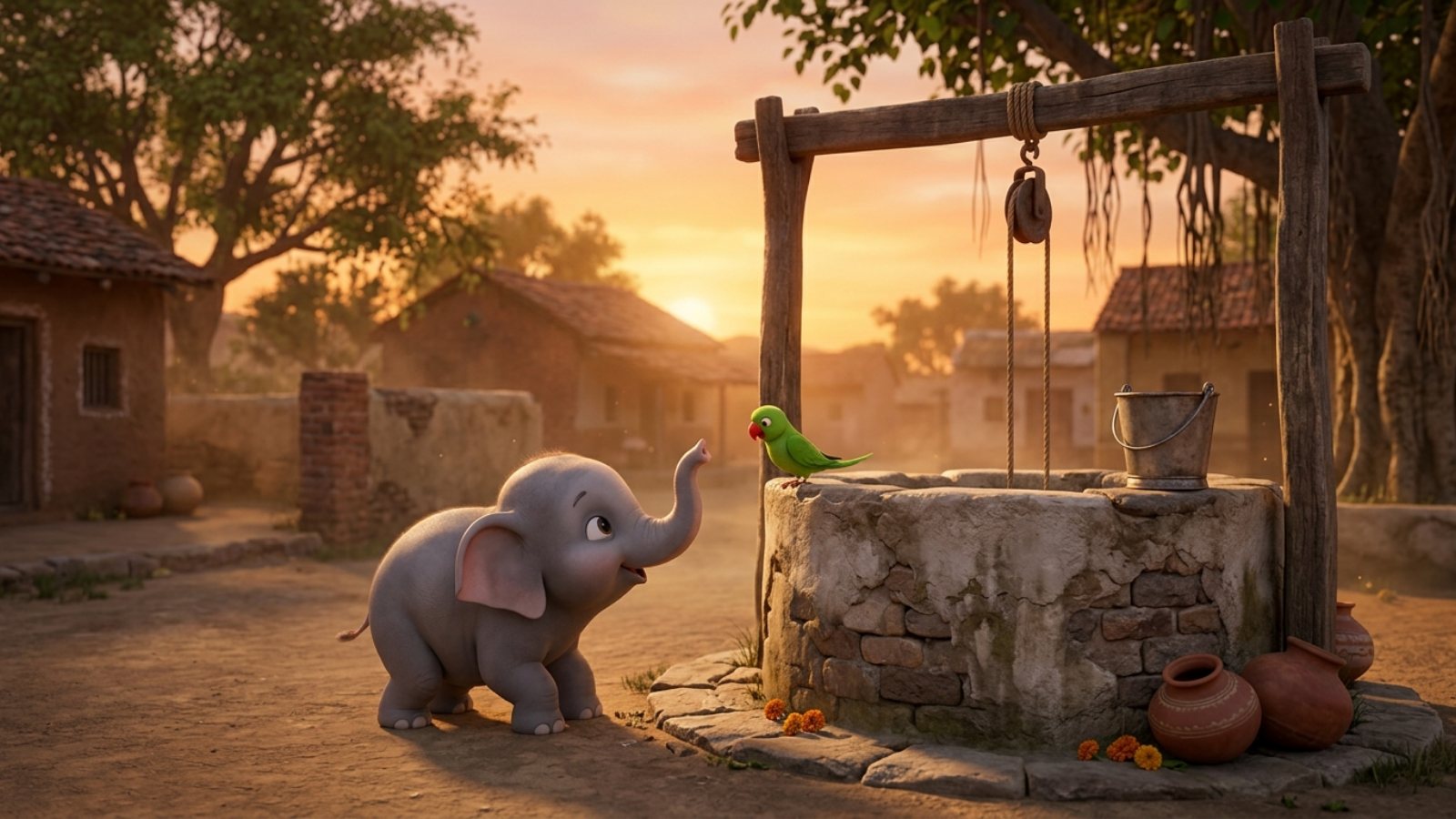
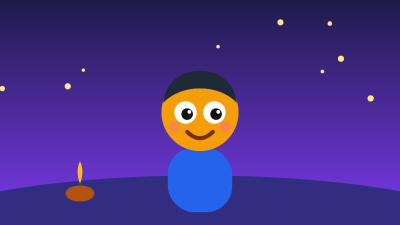
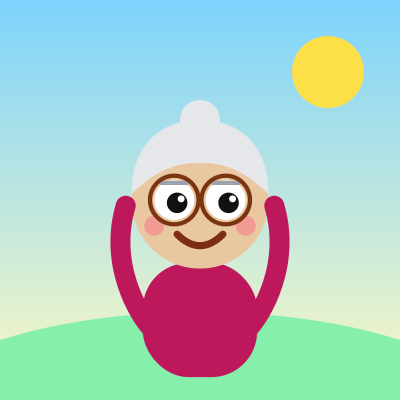
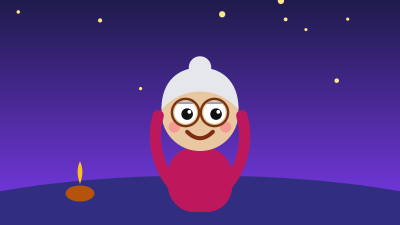

How it works in 3 steps
- 1
Write one line about your story, or describe one scene. Hindi, Hinglish and English all work.
- 2
Create your characters once and lock their look, so every scene uses the same faces, colours and clothes.
- 3
Make the scenes, see the price first, and keep what you like.
A cartoon video maker should keep your characters the same from the first scene to the last. Cartoon Maker starts from one line about your story, builds the characters, and lets you make any scene with them. It suits kids stories, moral stories, rhymes and funny Shorts. Full cartoon videos, with voices and music made for you, are opening in Beta.
Characters that stay the same
Most tools draw a new face in every picture. Here a character is saved once and used again in every scene and every episode, so a series looks like one series.
Made for Hindi stories
Write the way you speak. Panchatantra style moral stories, bedtime tales and festival stories all start from one line, in the language your audience watches.
Original characters only
Make your own characters. Famous shows and their characters are not allowed, and neither are real children's voices.
Questions
Do I need to know animation?
No. You write an idea, and Cartoon Maker does the drawing. You choose what to keep.
Can I make a full video from one line?
Full cartoon videos are opening in Beta. Until your account has them, you can make cartoon scenes with your own characters.
Does it work on a phone?
Yes. It runs in your phone browser, in English and Hindi. There is no APK to install.
Can I earn from my cartoon on YouTube?
Check YouTube's current rules for AI and made for kids content before you plan on it. Original stories and characters are the safest start.
Next steps in the workflow
Make your first cartoon
One line is enough to start.
Make a cartoon